Put Settings back at the window's foot, show plan usage as used, and stop offering Workbench
Settings returns to the foot of the sidebar, plan usage reads as percent used instead of left, and Workbench is no longer offered to add.
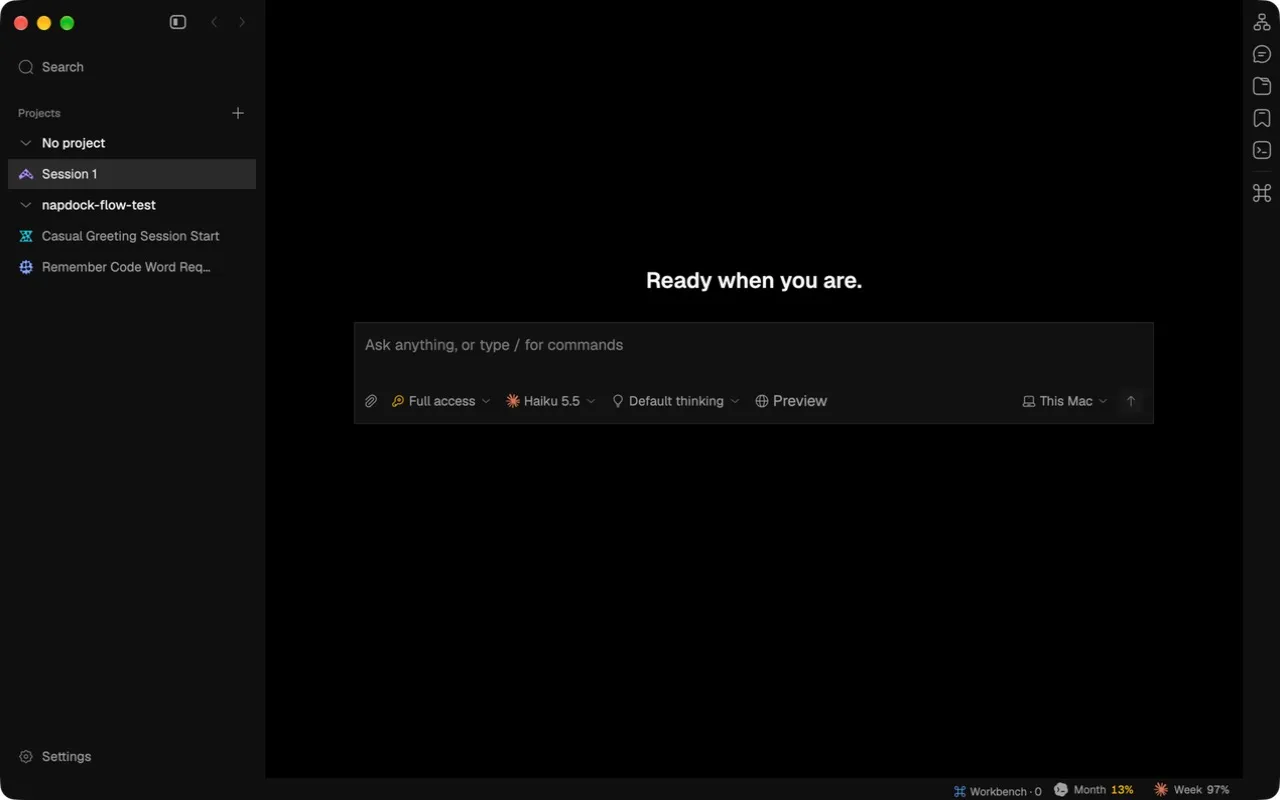
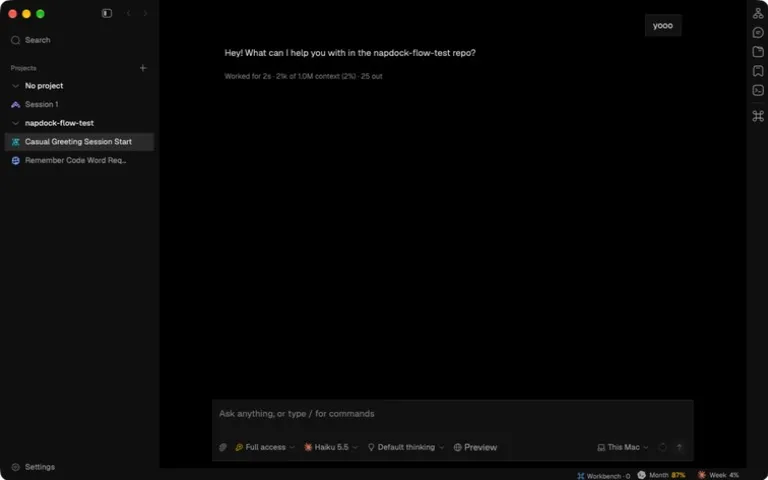
- Settings is back at the foot of the sidebar, which runs to the window’s bottom edge. The panel still meets the top edge, so header controls stay level with the traffic lights.
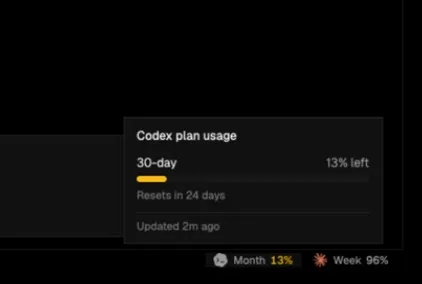
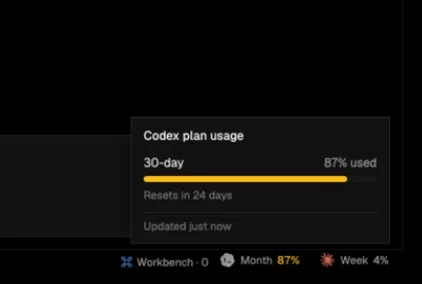
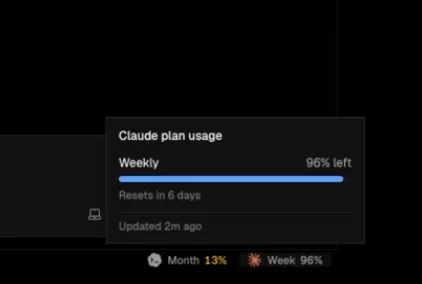
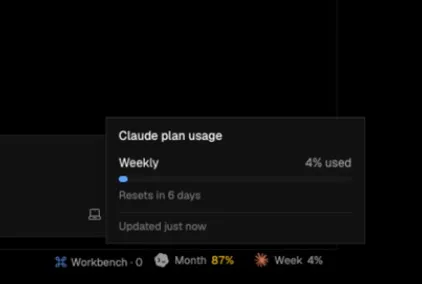
- Plan usage now shows what you have used. The status bar reads “Month 87%” where it read “Month 13%” for the same state, and the hover card reads “87% used”. Amber still starts at 80% used and red at 95%, and the meter no longer gets a grey highlight under the pointer.
- Workbench, the example that shows extension authors every contribution point, is no longer offered under Available and no longer adds a Preview pill to the composer. Copies you already installed stay installed.
The Preview pill still shows in these shots because the installed Workbench is a development link of the old package.
In the app