Land every section link under the bar, with a trail of sections on the right
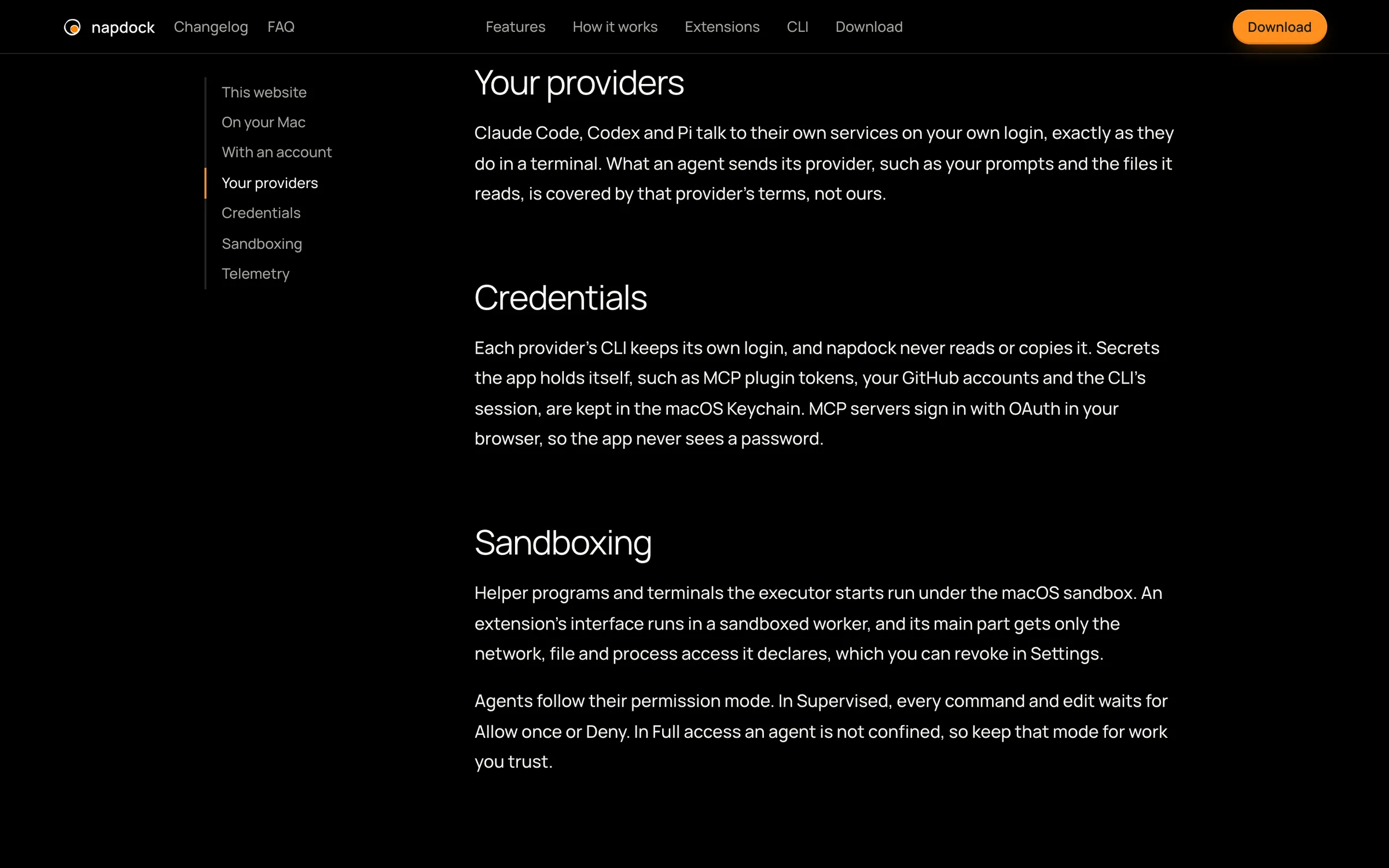
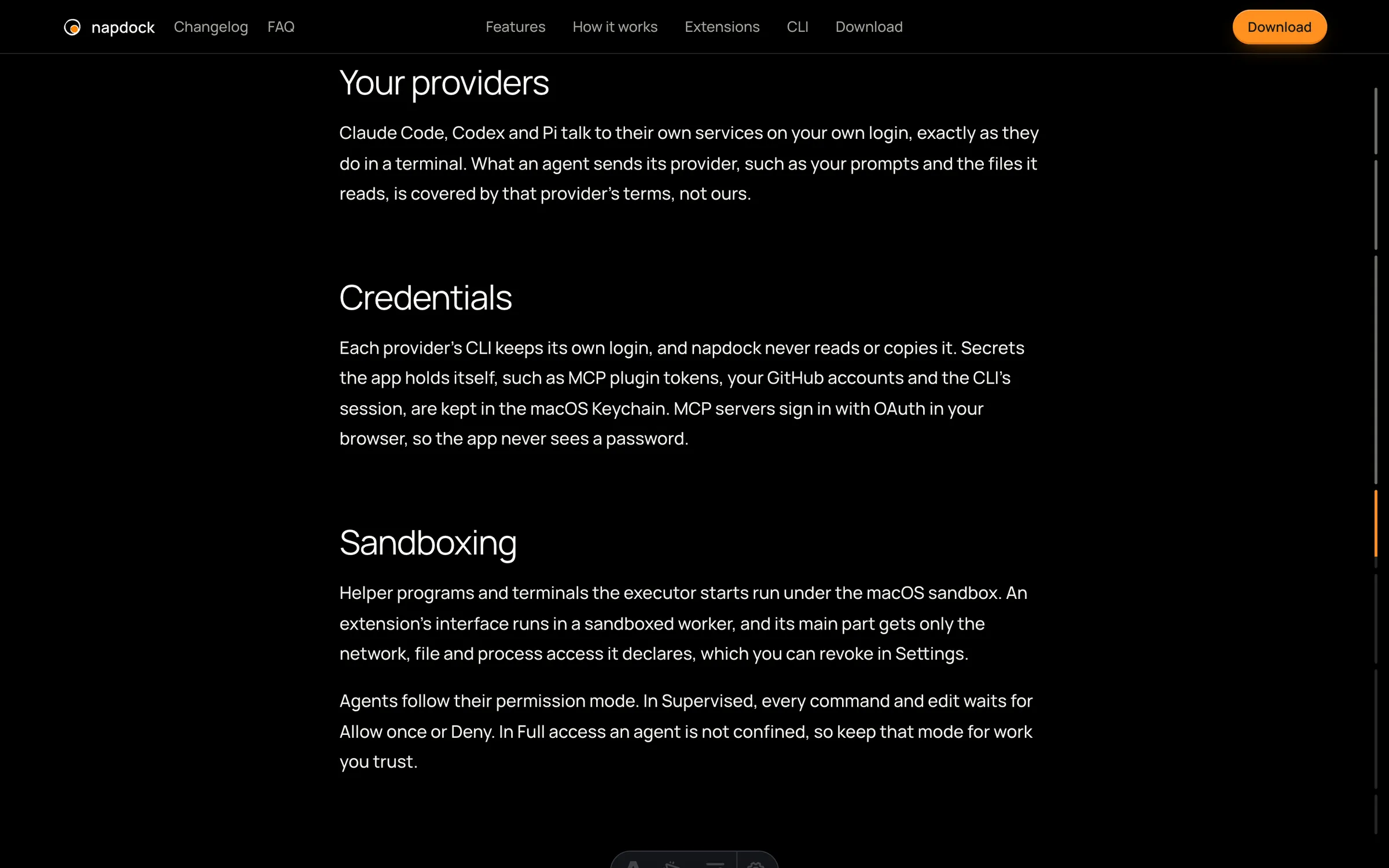
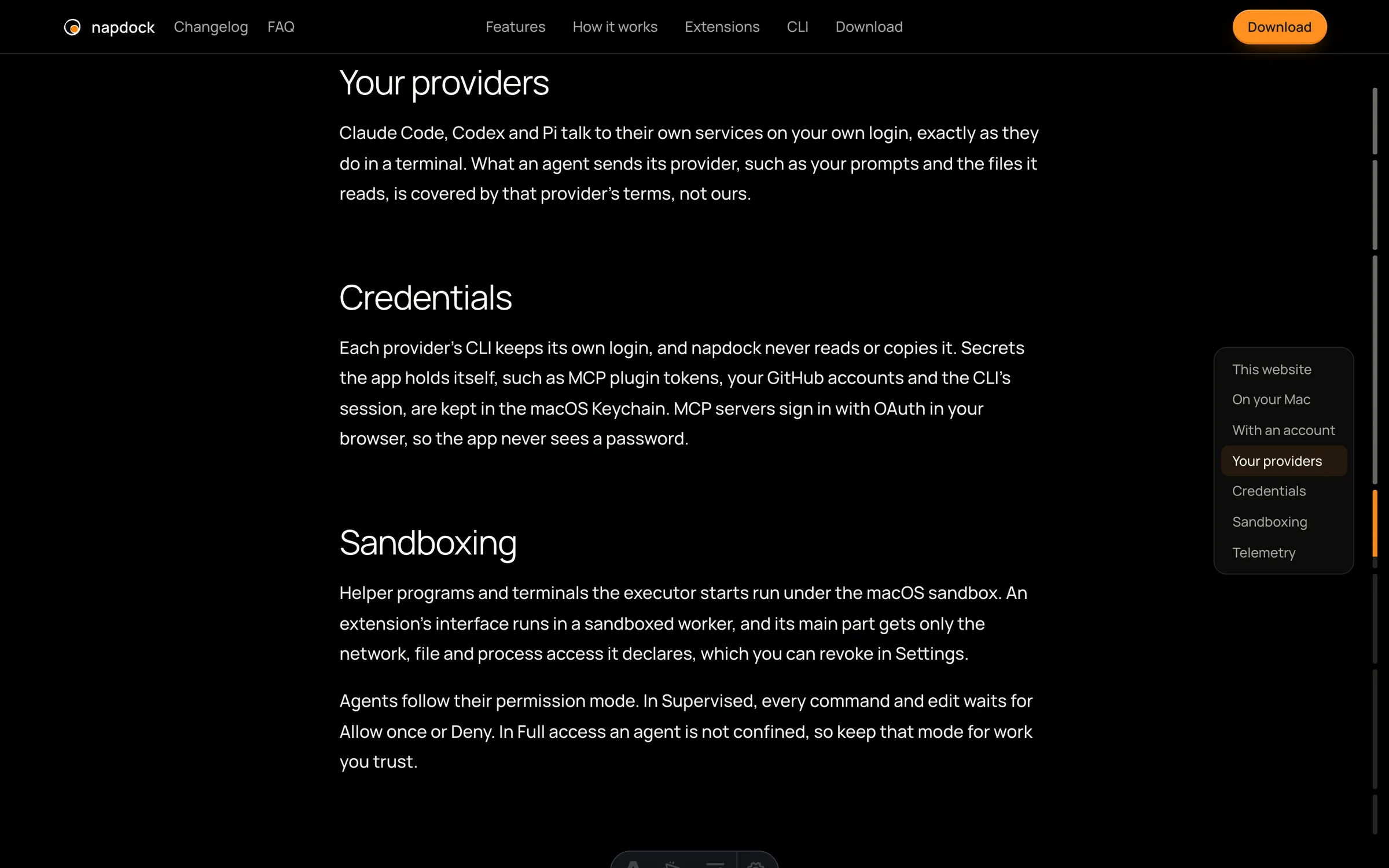
Clicking a section now lands its heading just under the bar on every page, and long pages show their sections as a quiet trail on the right edge instead of a column on the left, so reading pages get one centered column.
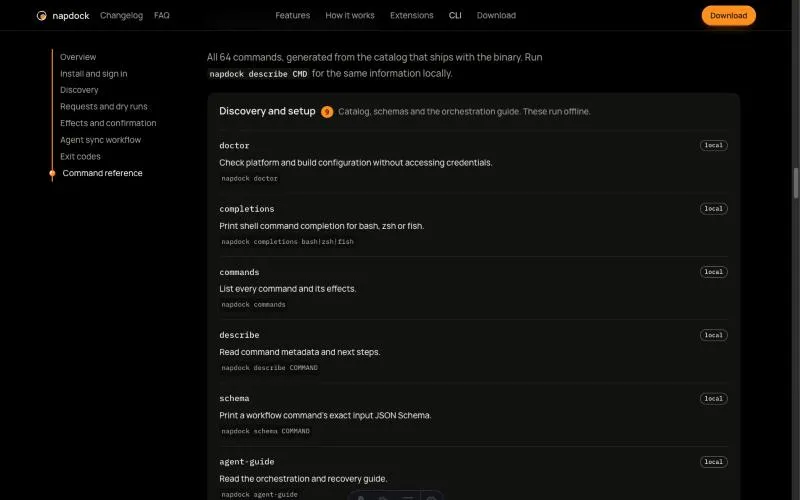
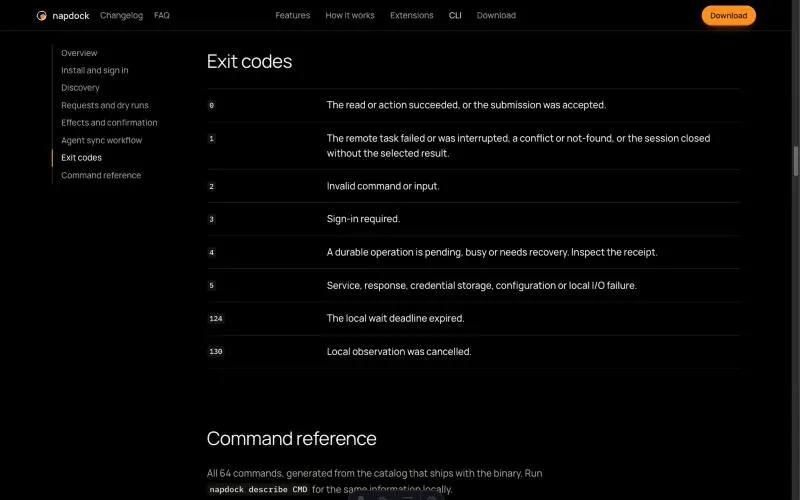
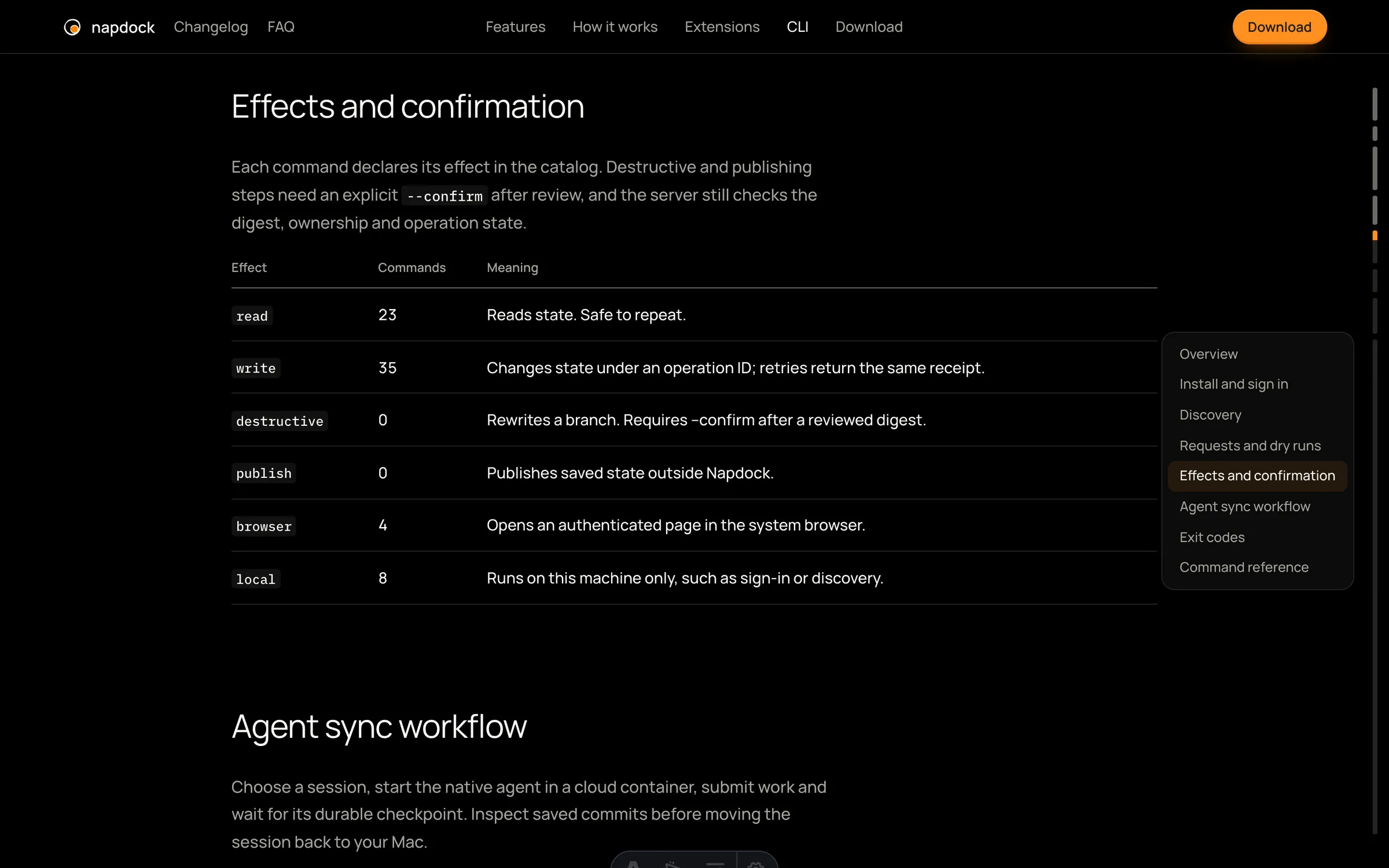
On the CLI page, a section link could land with its heading under the bar along the top. The terminals there hid their output while they typed, so one coming into view during the jump shrank and moved the page below it. They now keep their space while they type, so nothing below them moves.
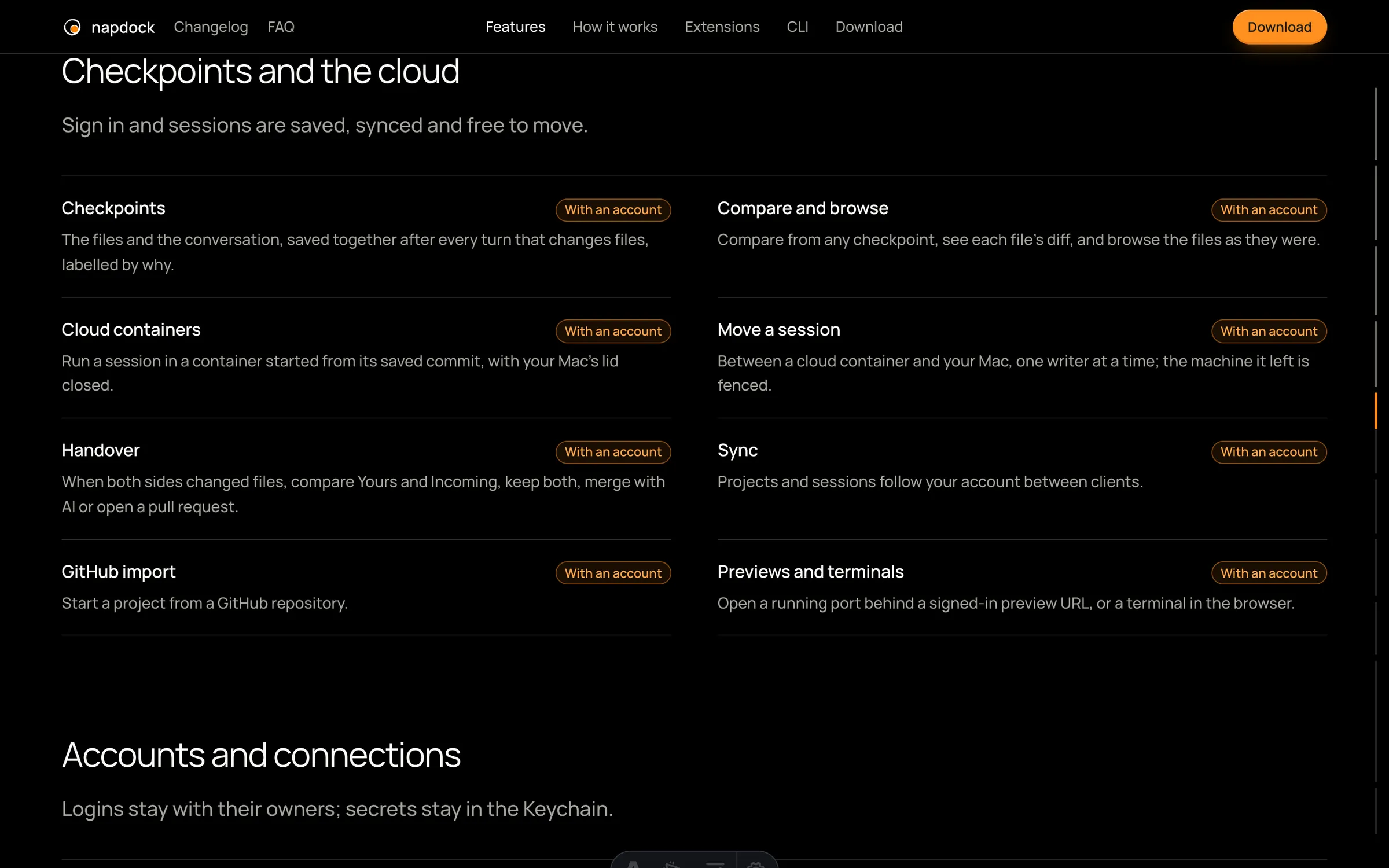
Every page lands a section at the same spot, just under the bar. Before, the CLI page stopped lower than the rest, and Features and Extensions stopped on the space above a section rather than on it.
The column of sections on the left of Privacy, the FAQ and the CLI is gone, so their text sits in one centered column. In its place, every long page (those three, plus Features, How it works and Extensions) shows a thin trail on the right edge of the window once you scroll into its sections. Each mark on the trail is as long as its section, what you have read fills in, and the section you are reading takes the accent. Point at the trail to open the list of sections and jump to one. The trail needs a mouse or trackpad, so it is hidden on phones and narrow windows.
In the app