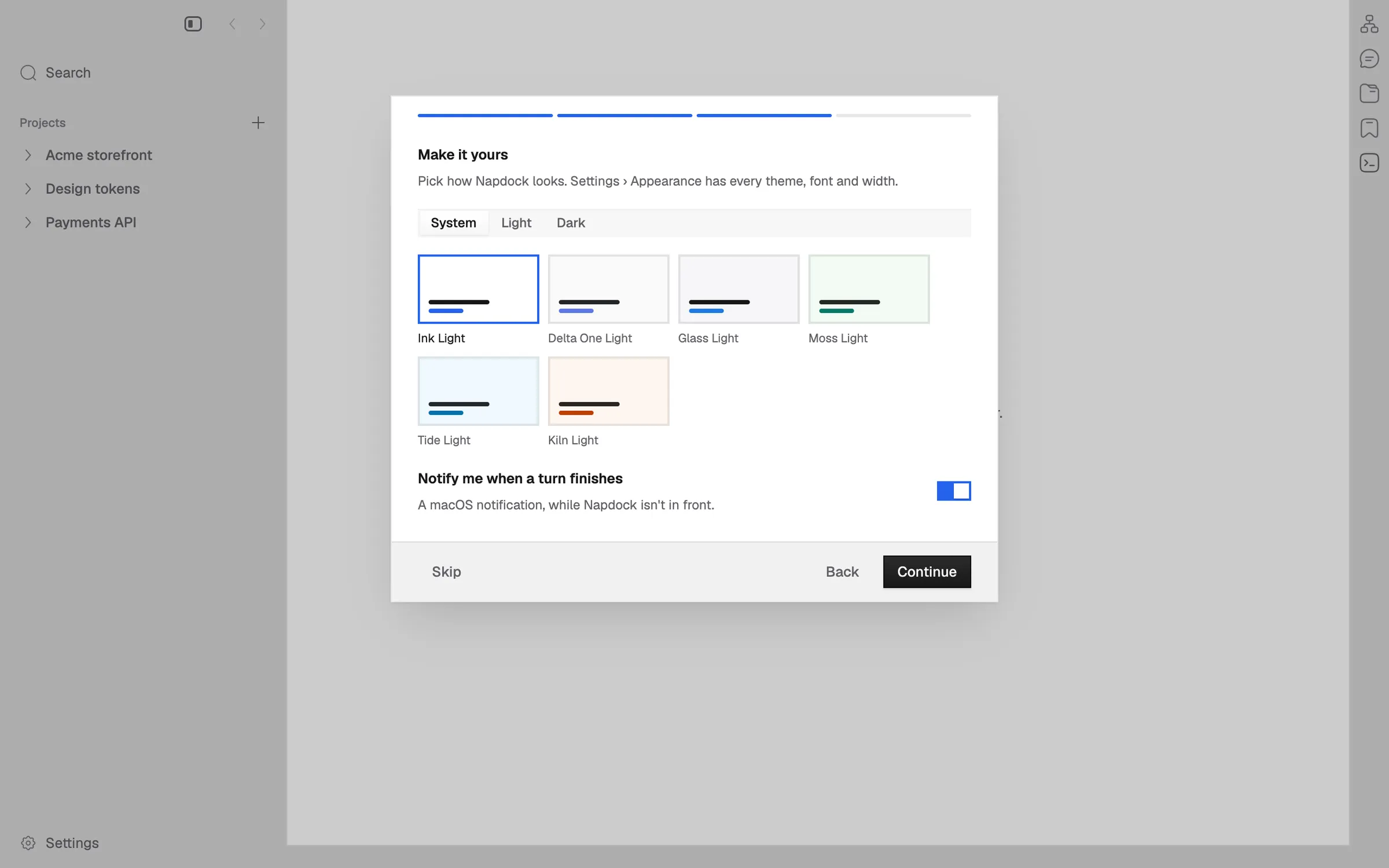
Welcome a first launch with what Napdock is, its agents, a look and a project
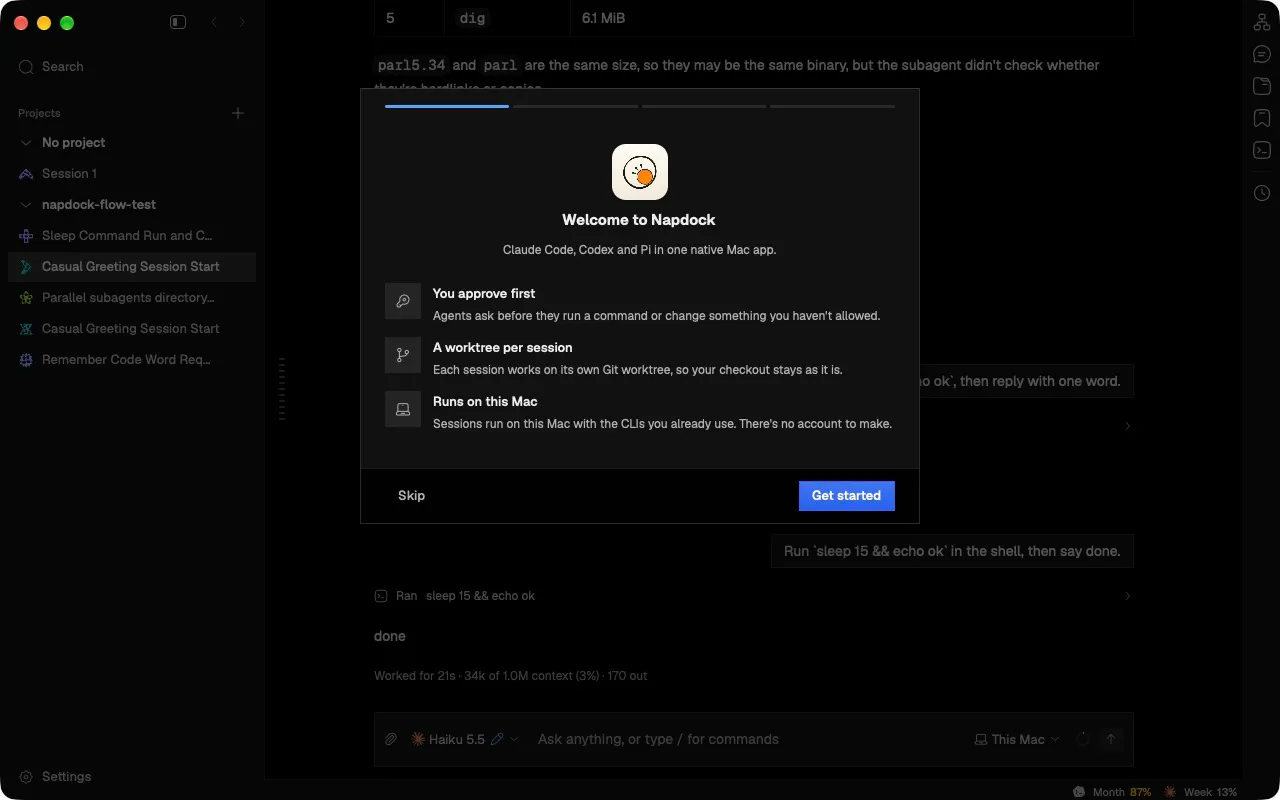
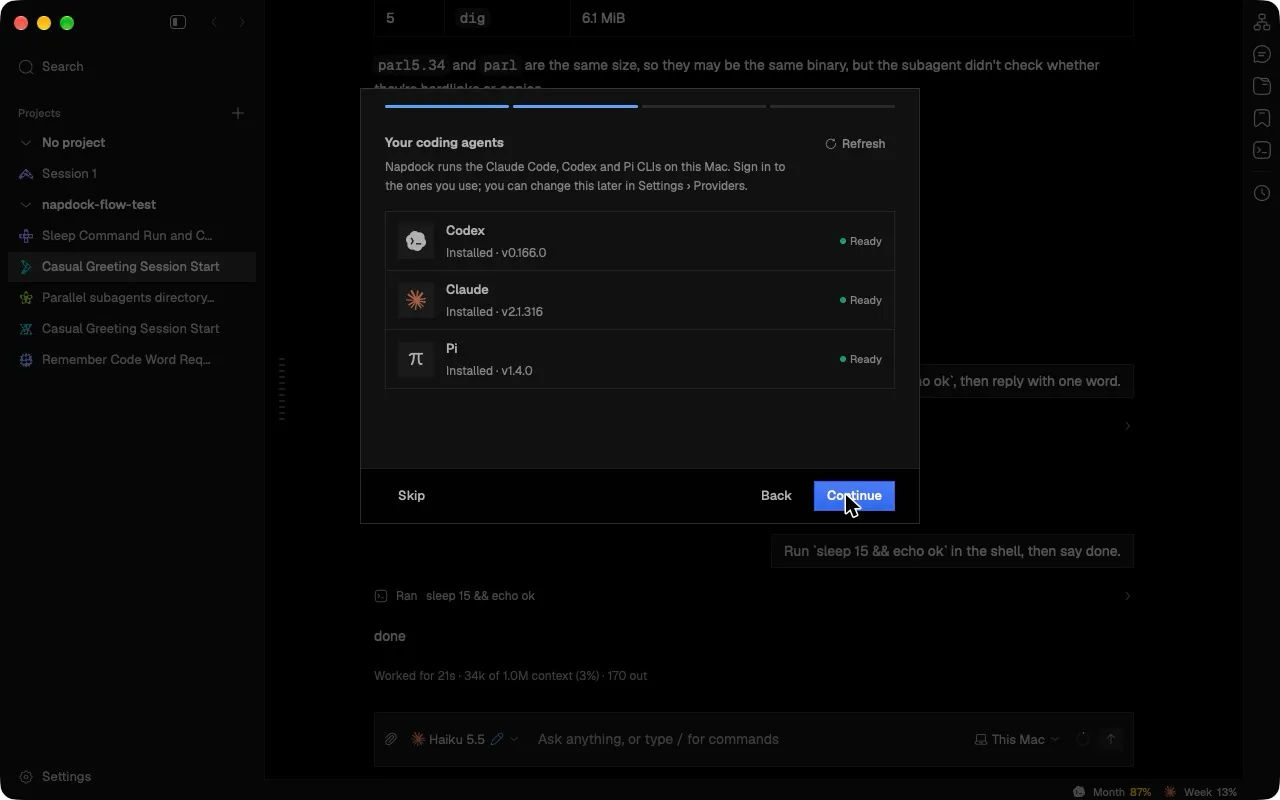
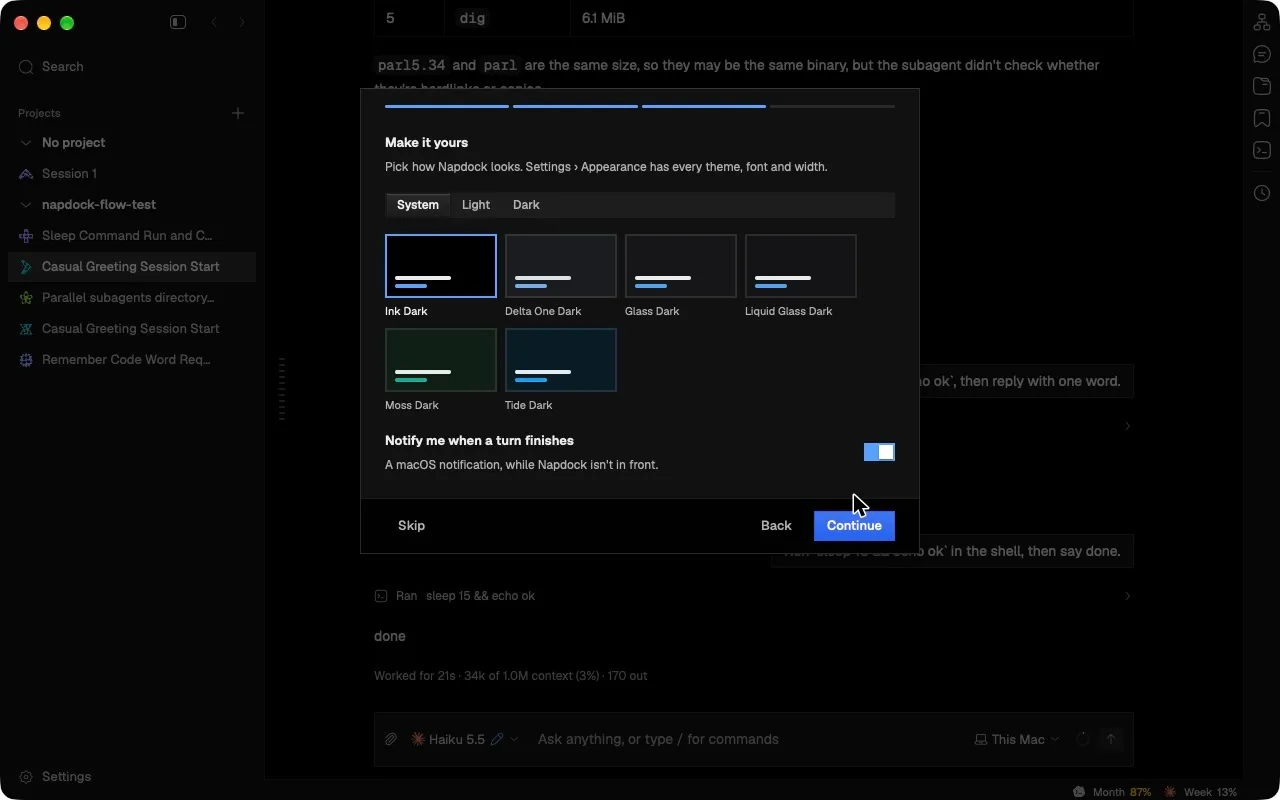
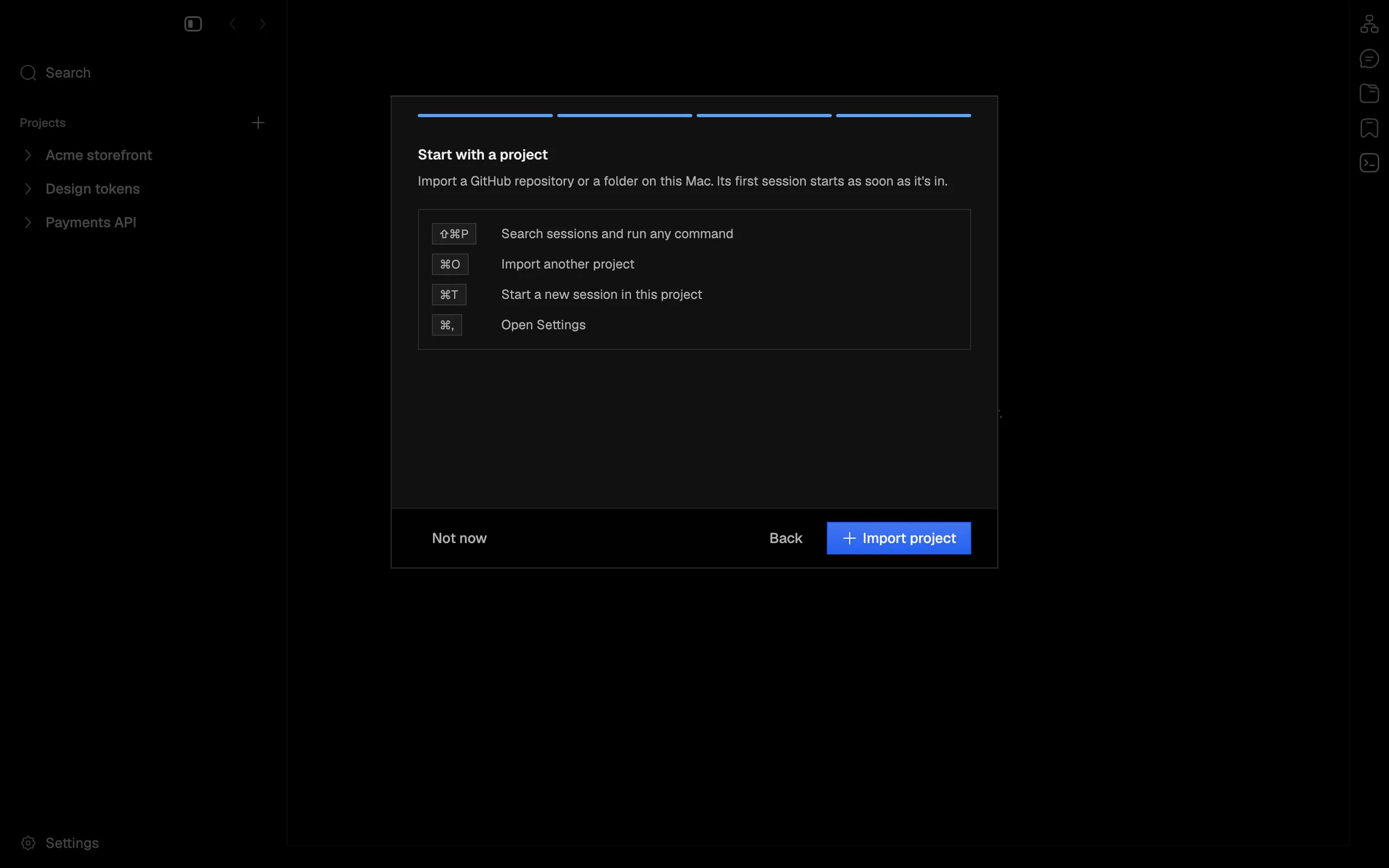
A first launch now opens a four-page welcome. It covers what Napdock is, which coding agents are ready, how the app looks, and how to start with a project.
The first time Napdock opens, a welcome steps through four pages:
- Hello: what the app is.
- Agents: Codex, Claude and Pi, each ready, not signed in or not installed.
- Look: mode, theme and notifications.
- Project: the first shortcuts, and a button that opens Import project.
The Agents page signs in the way Settings › Providers does, and the Look page writes the same preferences Settings writes, so the two always agree.
Skip, Not now, Escape and Get started all mark the welcome done. Show the welcome, in the app menu and the command palette, opens it again.
In the app