Polish pass: real font weights, smooth wheel scrolling, full-row hover, contrast-checked themes
Text draws its real weights and reads better on non-Retina displays, mouse-wheel scrolling glides, menu rows highlight edge to edge, and every theme meets a contrast floor.
A round of polish from a full audit of the app:
- Text: Medium labels draw the Medium face instead of Regular. A new Text smoothing setting (Auto, On, Off) thickens light text on non-Retina displays and leaves Retina alone.
- Scrolling: a mouse wheel’s steps glide over a few frames instead of jumping. Trackpads are unchanged, and Reduce Motion keeps the jump.
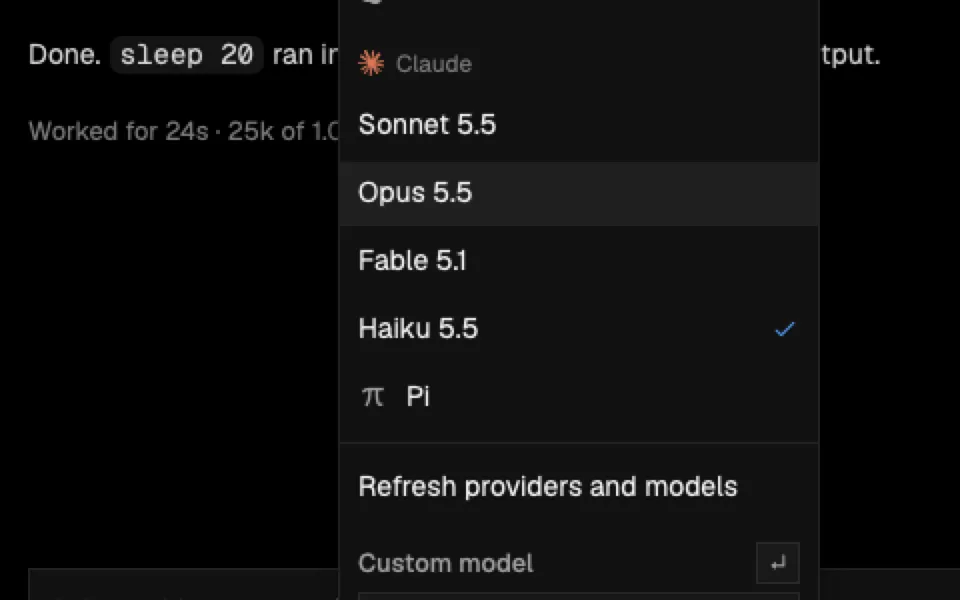
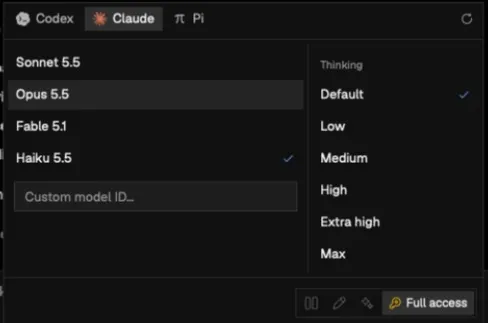
- Menus and pickers: rows sit flush so hover fills meet, a selected row keeps its fill under the pointer, and the pointer and arrow keys share one highlight. Arrows wrap within a group; Home, End, Page Up and Page Down reach its ends. Right-click menus open at once.
- Themes: all 36 themes, imported ones too, lift text, secondary text, code and the accent in their own hue until they meet APCA contrast floors.
- Markdown: 14 px prose on a 24 px line, with more room between blocks and above headings.
In the app