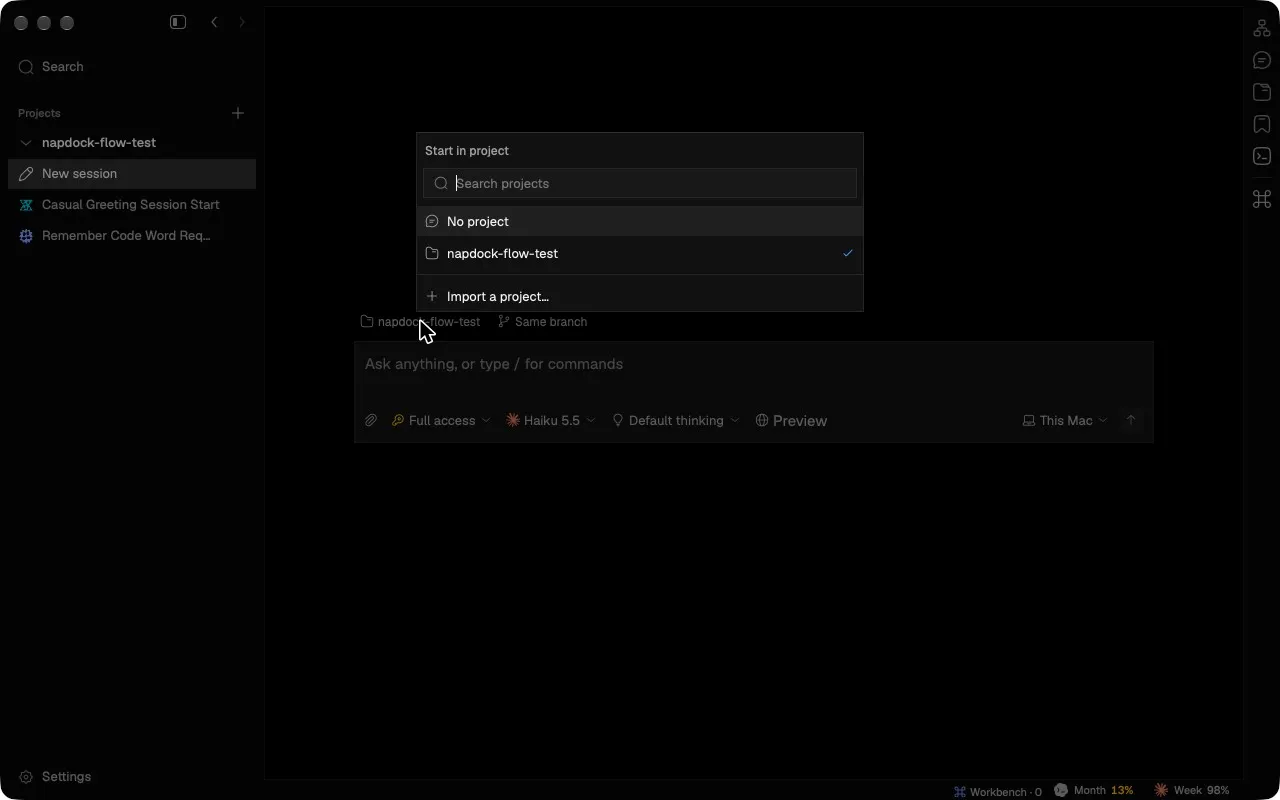
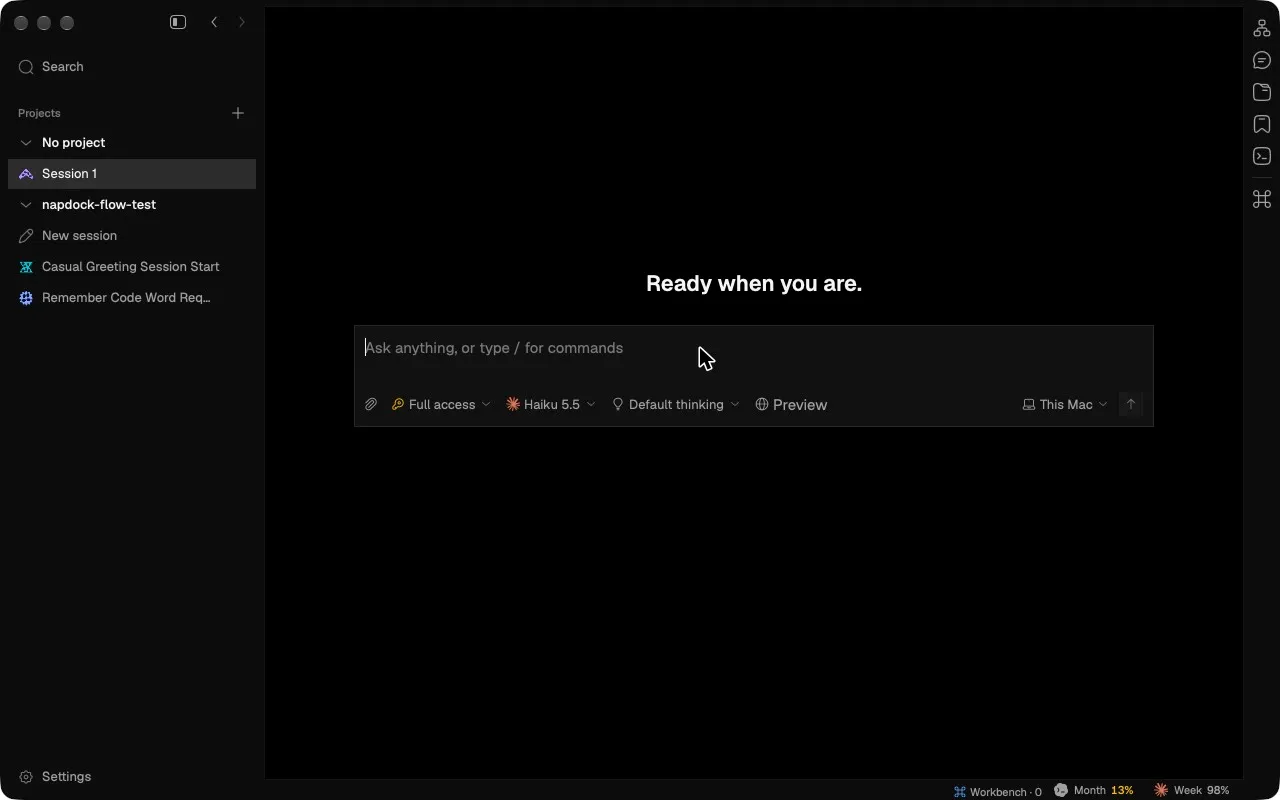
Start a session with no project
The new-session picker now lists No project first, so you can start a session without choosing a repository.
Choosing No project starts the session in a private folder Napdock makes for your account. The first time, it imports that folder as a local project named “No project”; later sessions go straight into it.
Because it is an ordinary project, these sessions keep everything else a session has: checkpoints, Files, moving to another machine, and an entry under Recent. The project is left out of the list below No project, so it is not shown twice, and the folder is made again if you delete it.
In the app