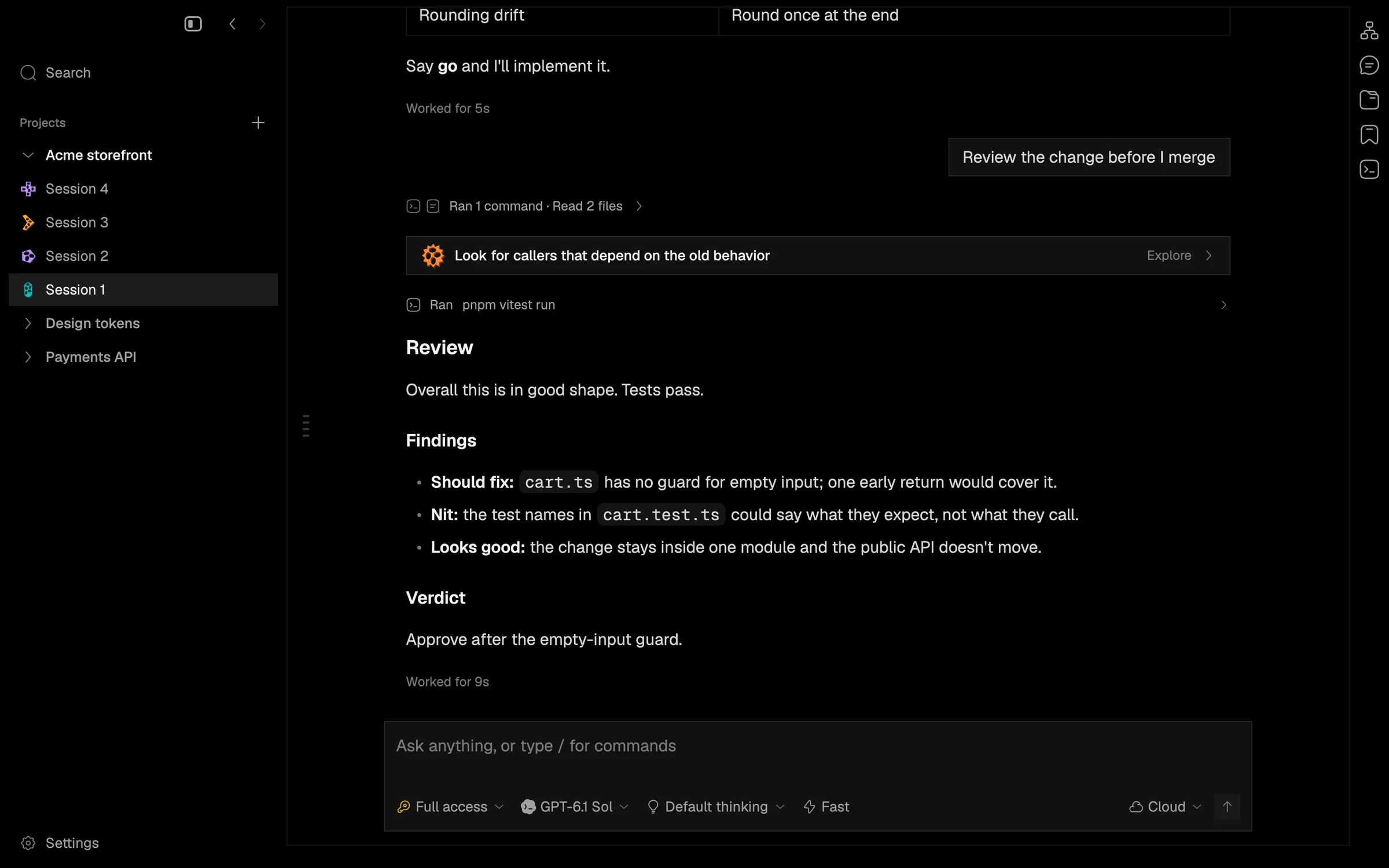
Show what the agent is doing and the background work it leaves running
A live activity line and a background-tasks chip show what a turn is doing and what is still running after it, with a stop button per task.
The line above the prompt box now says what the running turn is doing: thinking, writing, waiting on a tool, running subagents, compacting or retrying.
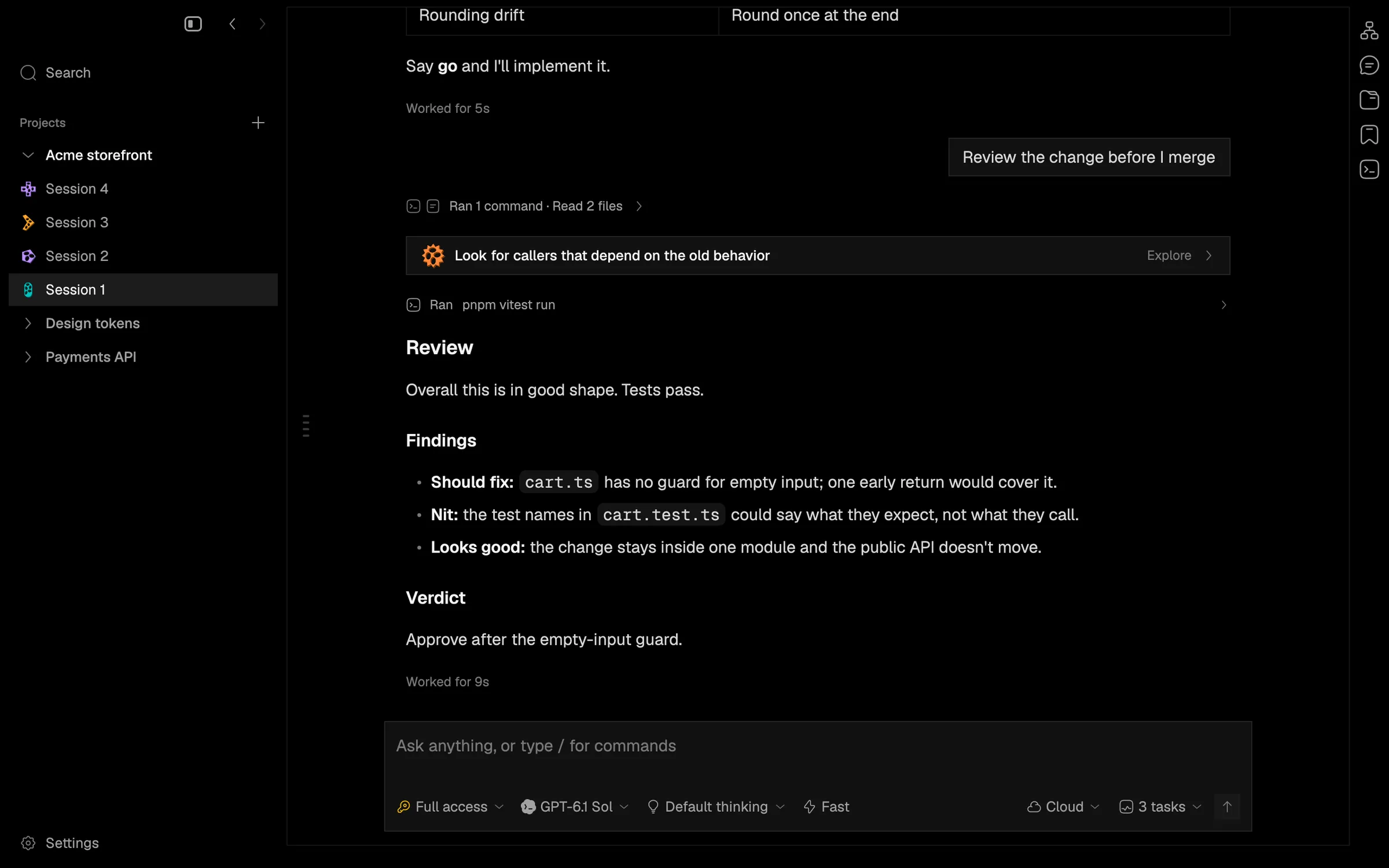
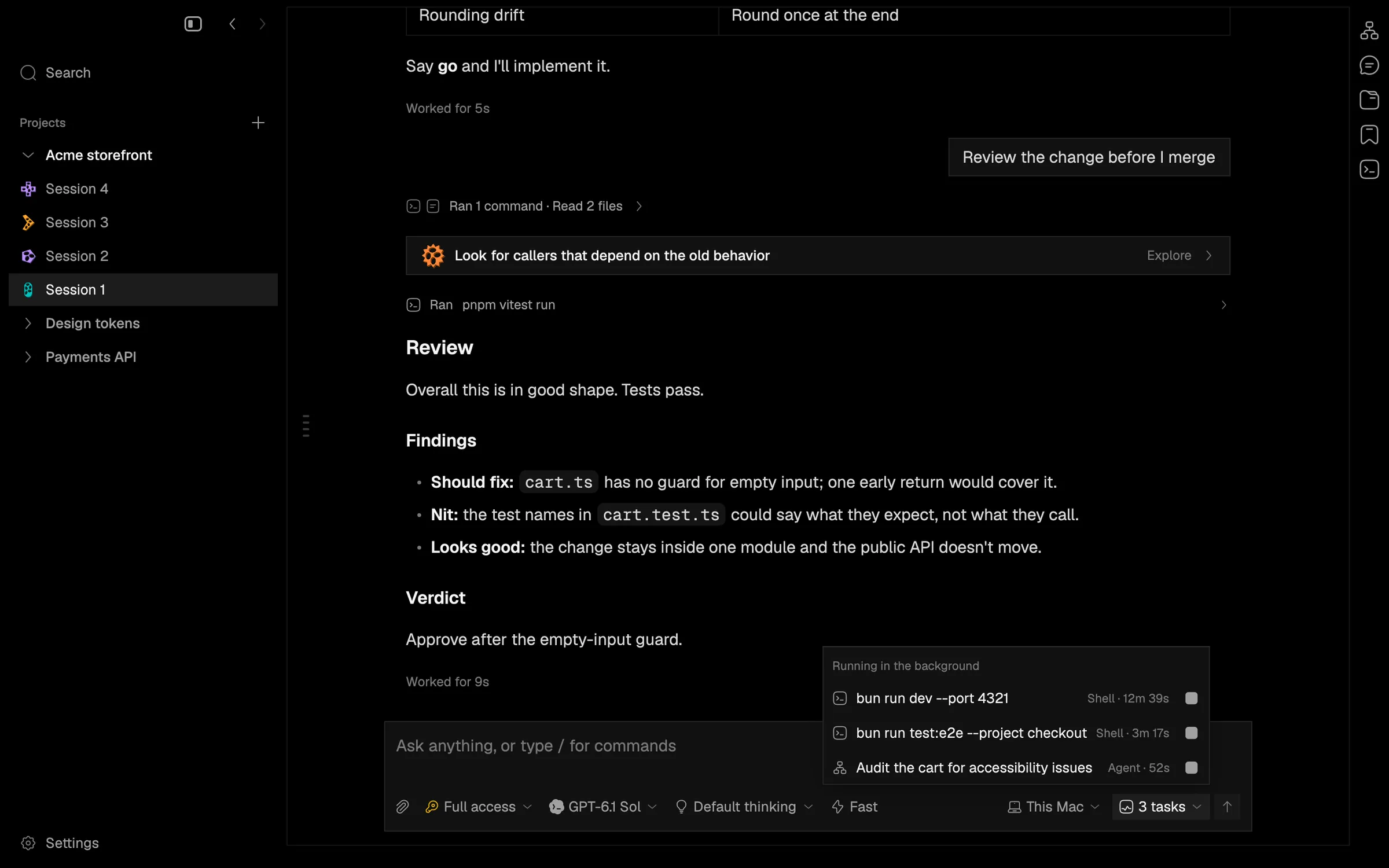
Work a provider keeps running beyond a turn, such as a dev server, a long build or a background subagent, shows as a chip by the prompt box (“3 tasks”). It opens a list with each task’s kind, title and running time, and a stop button per task. A session with running tasks is no longer closed after ten idle minutes.
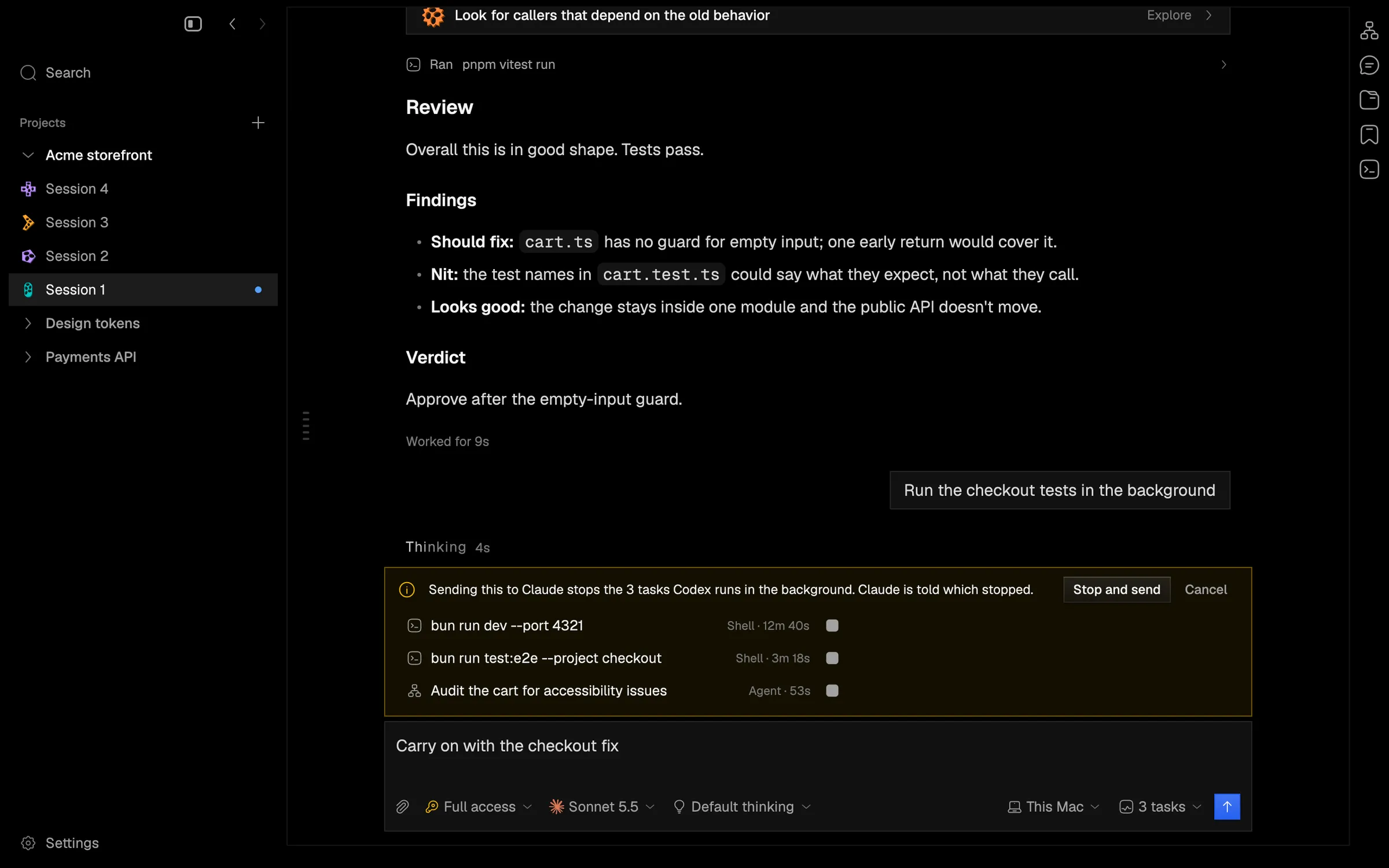
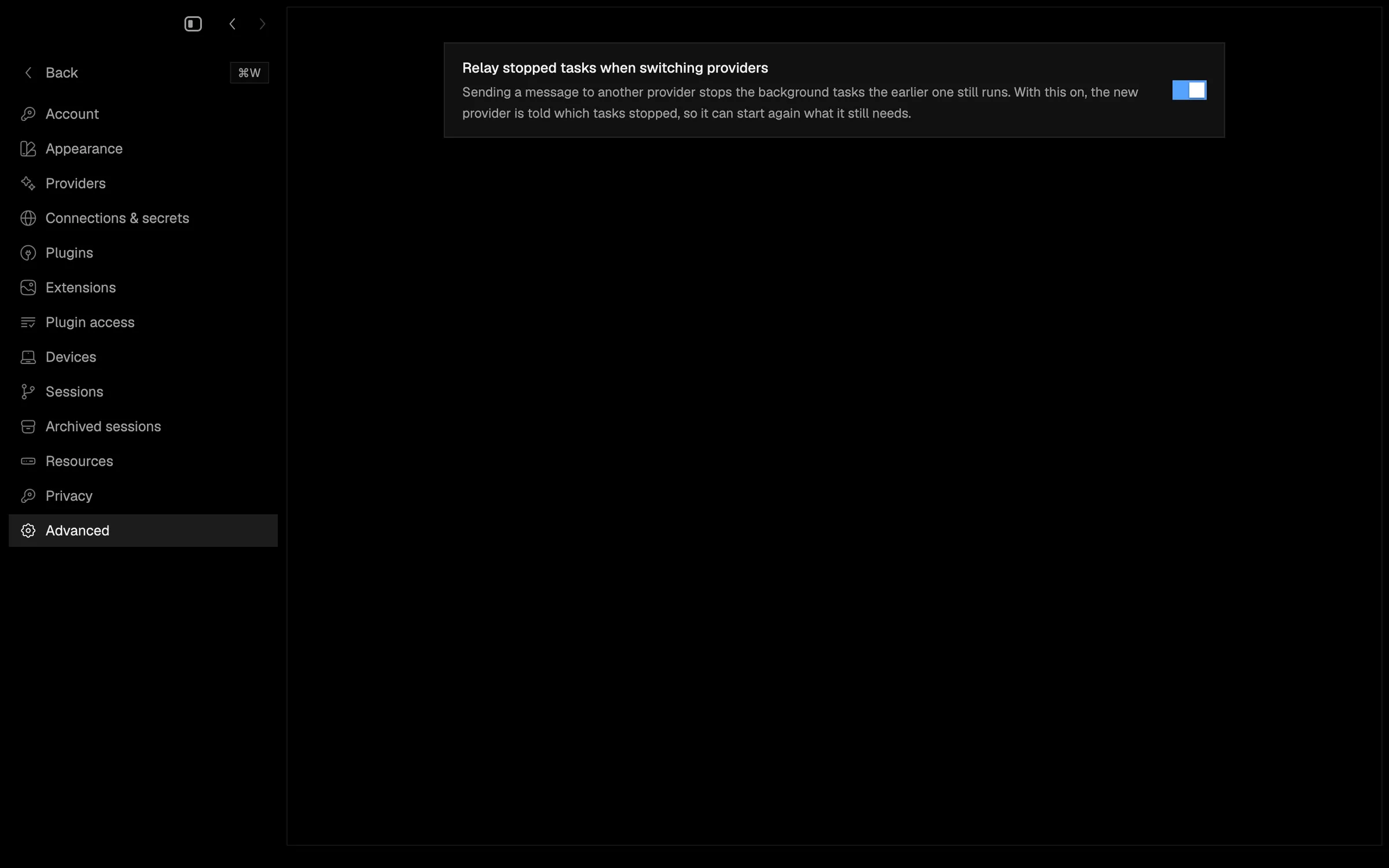
Switching a session to another provider stops the old provider’s tasks. Napdock now holds the message and warns you first, listing each task with its own stop button, then Stop and send or Cancel. A new Settings > Advanced option, on by default, tells the new provider which tasks were stopped.
Several provider decoding bugs are fixed too, including declined Codex tools showing as completed.
In the app